
At Data Ether we have been working on the DataFitness ControleOne Agent engine for quite some time. It felt a bit like a lot of hours working in the paddock, some laps on a small test circuit, and then when the current Proof of Concept started finally running in the real world, finding some obstacles on the roads and even hairpin turns. We did not bump into anything really hard, or fell off in any of those sharp corners but had some additional work to do for sure.

So after spending quite a bit work under the hood again, we just released a new version of the engine with loads of updates and improvements. Still some more on the wish list but this already makes the engine run way smoother.
Maybe you wonder “why the engine analogy?”. Well there are a few reasons for that:
- I like motors so this is a good excuse to add some nice pictures to this post because motors have engines 🙂
- The DataFitness ControleOne Agent is expected to run every time all of the time in different environments (support for multiple operating systems) steadily and reliable, without any issues or hick-ups whatsoever. Making changes because of unexpected events when executing tasks is not an option, just like you normally cannot fix the engine when driving, so it should be more than good enough to anticipate and handle all different kind of situations.

Short overview of what the ControleOne Agent engine does:
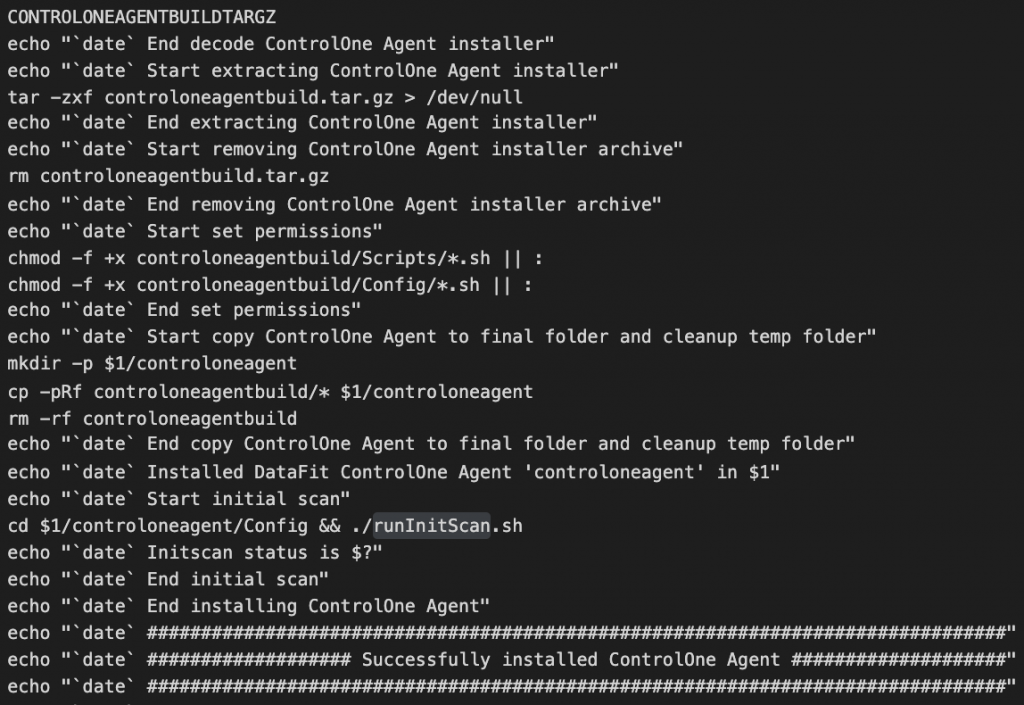
- Run an automated preconfigured self-install without any user interaction needed after kick-starting it (means running a bash shell script or Windows installer).
- The Agent identifies the environment, and stores this information for further reference.
- Securely reach out the the cloud environment to verify its identity, and request encryption key and credentials for information upload.
- Initial scan to self-test all capabilities (meta scan, content scan, content upload), storing the results so the setup can be compared online with expected outcome.
- When done, acknowledge the finished tasks to the cloud environment, and report success back to the customer, so custom configuration about the locations to scan can be added.
- Run these scan tasks one-by-one or in parallel, using one or multiple time schedules, and sending the results to the customer cloud environment for further automated processing and storing.
- Reach out to the cloud to request updates, additional configuration etc. Communication is only initiated from the customer environment (outgoing), never vice versa (incoming).
Of course there is more, like doing this at large scale on multi million file sets, collecting and transferring gigabytes of high density information while storing all results encrypted in both the customer environment and in the cloud, with secure data uploads in between.
And this is only part of what the engine does, while silently running out of sight. Just do the ground work for the next step where the actual business value is added: automatically applying multiple data conversions and rule based reasoning to create easy accessible insights that your organisation can directly act on (think online real-time search, charts and reports, assigned to relevant people and processes), providing feedback to monitor progress through time. Because you need to see and understand what actually happens with your data: get in control on your archiving, compliance and governance initiatives. But that is something for another post 🙂
One Reply to “Engine update”